iOS 15.0 or later
Free VPN for iPhone and iPad
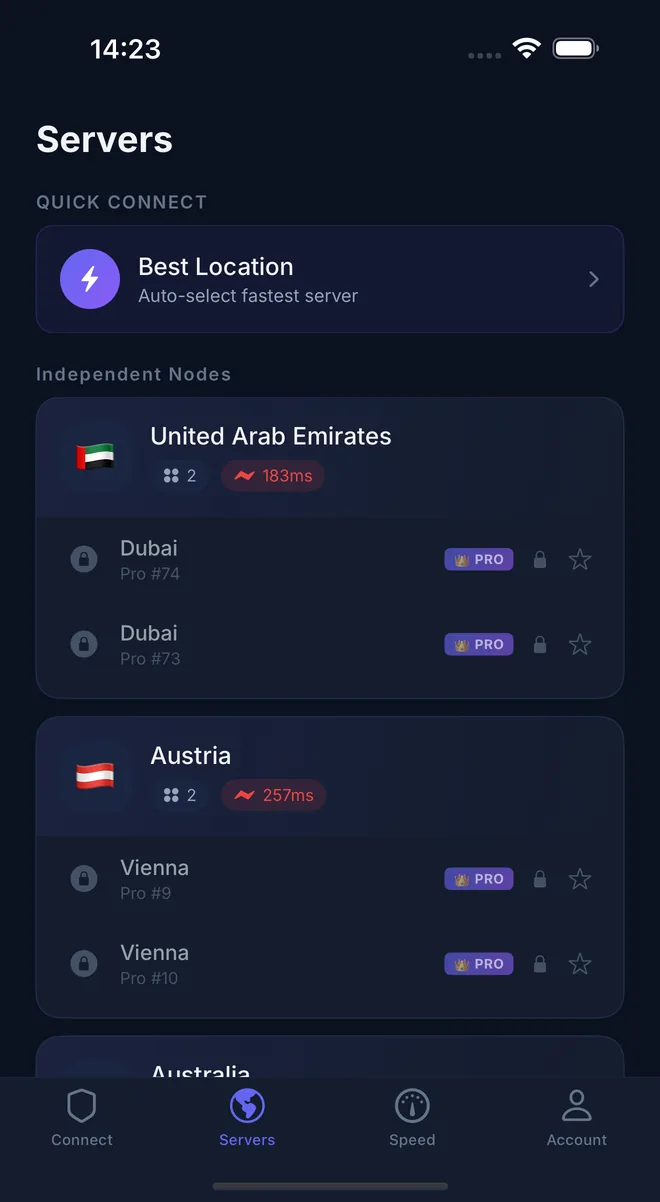
No sign-up and no login to start. Connect to free servers in one tap, or upgrade to VIP for faster servers in 40+ locations, operated by Pekpik.
Rated 4.6 from 562 ratings on the US App Store.
Install in three steps
- 1
Open Pekpik VPN on the App Store and tap Get.
- 2
Open the app. A guest account is created for you, so there is nothing to sign up for.
- 3
Tap the power button. When iOS asks to add a VPN configuration, tap Allow and confirm with Face ID, Touch ID or your passcode.
Paying for VIP
- VIP is an in-app subscription billed through your Apple ID.